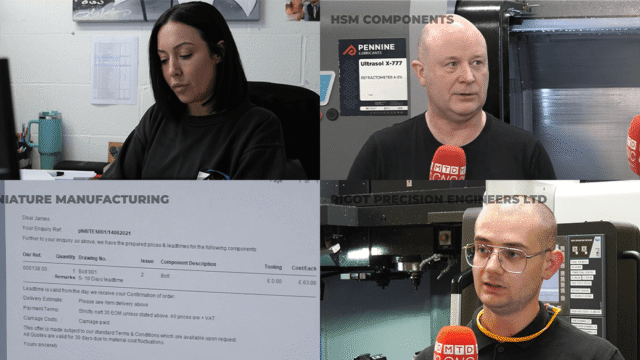
Testimonials for PSL Datatrack
Hear what clients have to say about PSL and their software.


Efficiency is not just a goal, but a necessity for any subcontract precision engineering business. Luckily for users of PSL Datatrack production control software, flexible Listing Screens are available to transform how these companies manage their data, streamline operations and enhance decision-making processes.
Listing Screens are a feature designed to provide subcontractors with slick record filtering and rapid on-screen reporting. These screens are strategically integrated across the following, core software modules: Company Details, Contract Review, Purchase Orders, Quotations, Sequential Scheduler, Tasks and Works Orders.
The functionality of Listing Screens extends beyond mere display; they serve as dynamic hubs where information is both filtered and presented for immediate assessment.
One of the standout attributes of Listing Screens is their intuitive design. Users can effortlessly define filters using text boxes, or leverage a spyglass for a comprehensive list of records to choose from. The active filters remain prominently visible, ensuring the user maintains full awareness of their applied criteria.
Additionally, the sort order, ever crucial in organising data, is prominently displayed in the top right-hand corner of all Listing Screens.
A simple double-click on the primary field swiftly transports users to the required record, while a single-click on the selection field columns dynamically re-sorts the results. This functionality significantly streamlines navigation, greatly increasing productivity and enabling faster decision-making.
The command buttons accompanying these Listing Screens offer an array of options to instantly reset selections to system defaults, refresh lists based on updated criteria or revert back to personalised settings. The “Switch” command seamlessly navigates the operator to the first or most recent record in the relevant module when they are ready to progress from the Listing Screen.
The “Options” menu introduces an additional layer of versatility, allowing the user to fine-tune their experience. From adjusting display preferences and setting screens as default to displaying additional columns, the menu offers customisation tailored to individual preferences and specific business needs.
The option to save filtered displays as default ensures that recurring tasks or commonly referenced records are readily available without the need for repetitive filtering. Notably, the ability to change date increments with +/- buttons also streamlines date-based filtering, thereby simplifying time-sensitive tasks while facilitating quick access to weekly and monthly overviews.
The utility of Listing Screens transcends their on-screen functionality. They enable operators to export or print filtered lists if necessary, encouraging shared business information, further analysis and data processing.
PSL Datatrack’s Listing Screens therefore empower customers to effectively filter data and navigate the system quickly and efficiently, elevating operational efficiency and streamlining decision-making processes throughout the business.
Explore the possibilities and unlock the power of data-driven decision making. Visit PSL Datatrack’s Reporting Page to discover how these dynamic tools can propel YOUR business into a new era of productivity and success!
Hear what clients have to say about PSL and their software.

Craig Hall, owner of CRH Machining Limited in Aberdeen, shares how PSL Datatrack production control software…
Effective inventory control is essential in the world of subcontract precision engineering, where accuracy, traceability and…
Find out how to streamline your quotes and more in the latest PSL Datatrack newsletter; PSL…

In a recent series of technical videos with MTDCNC’s Tom Skubala, Geoff Gartland, Managing Director of…
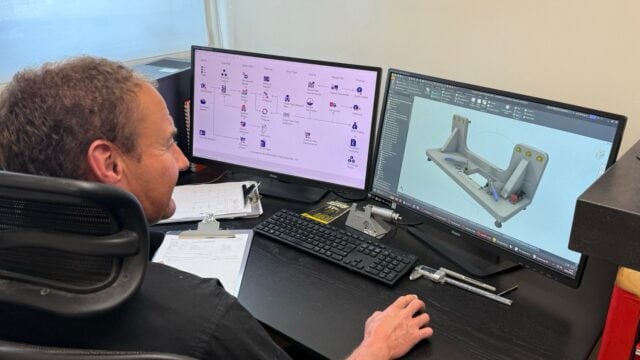
AA Precision Toolmakers Limited, a leading precision machining company based in Barnstaple, North Devon, has freed…

Late invoices, lost profits and financial uncertainty don’t have to be part of your business. PSL…

Quality control and compliance don’t have to be a burden. PSL Datatrack’s Quality modules handle contract…

In the latest edition of the PSL Datatrack newsletter; Addmore Engineering Limited has significantly enhanced its…
Managing sales orders manually is a recipe for mistakes and delays. PSL Datatrack’s Sales Orders modules…
Stay up to date with the latest industry news and events.

Be first to see all the updates from MTDCNC
Our newsletters frequency varies dependant on content
All the latest deals from the industry feature on our newsletters